Article
How to Supercharge Your Stukent Course with LMS Integration
An educator’s time is their most valuable asset. That's why we're committed to providing solutions that simplify course management and enhance student engagement. Our latest LMS integration capabilities offer an array of features designed to integrate seamlessly with your teaching workflow, ensuring you spend less time administrating and more time educating.
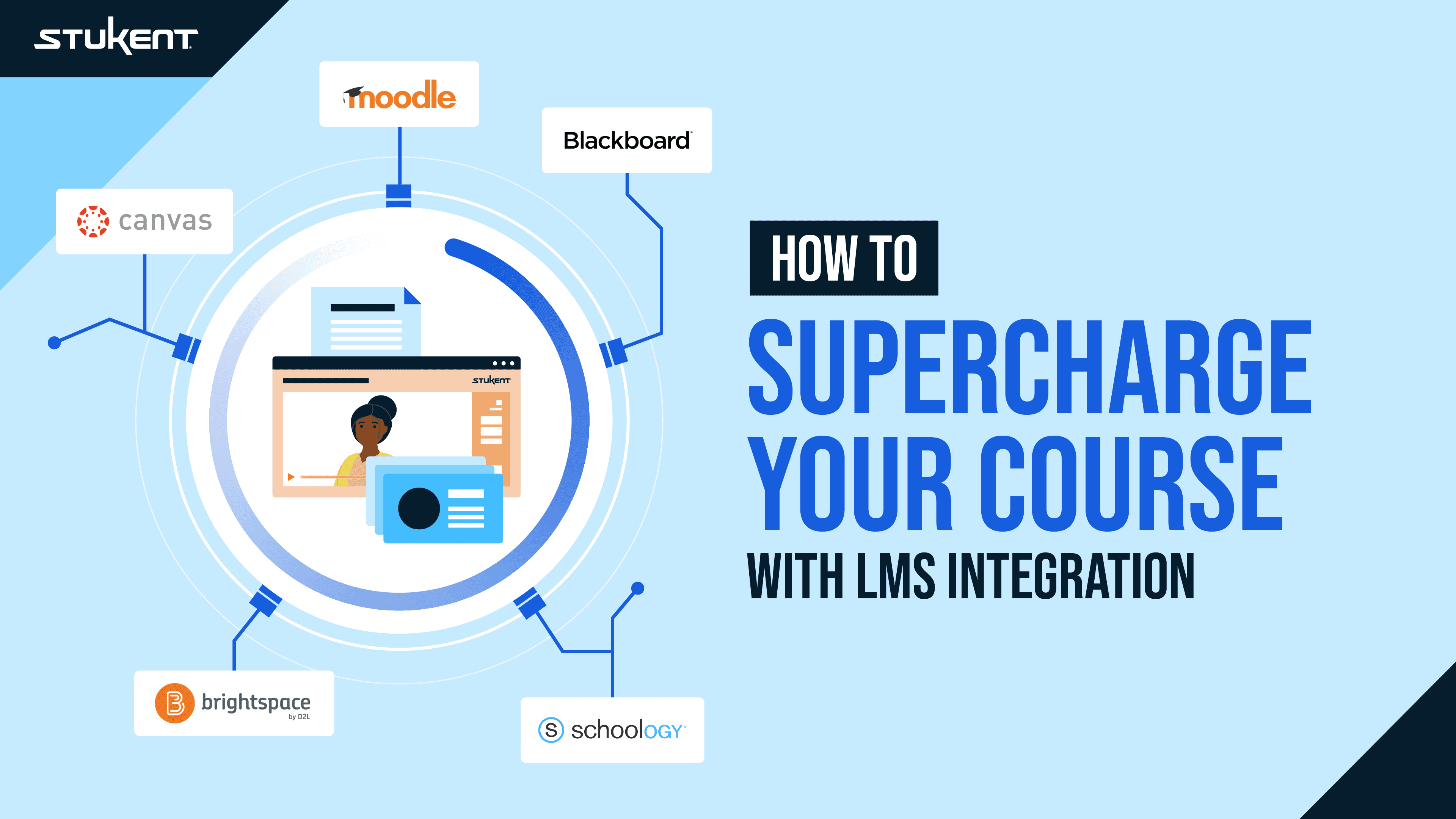
Integrating your learning management system with Stukent® Simternships™ and courseware not only streamlines course management but also enhances the learning experience with innovative tools. Compatible with all major LMS platforms like Canvas, Blackboard, Moodle, Brightspace (D2L), and Schoology, our integration provides a cohesive environment for both educators and students. Check out the key benefits:
Single Sign-On
Gain immediate access to all Stukent course materials and simulations with a single click. The integration allows you and your students to launch directly from the LMS, simplifying the access process.
Rostering
Your course roster is automatically updated every time a student accesses a Stukent course through the LMS. Our support team is also on hand to assist with any synchronization needs, ensuring your roster is current without manual intervention.
Grade Book Syncing
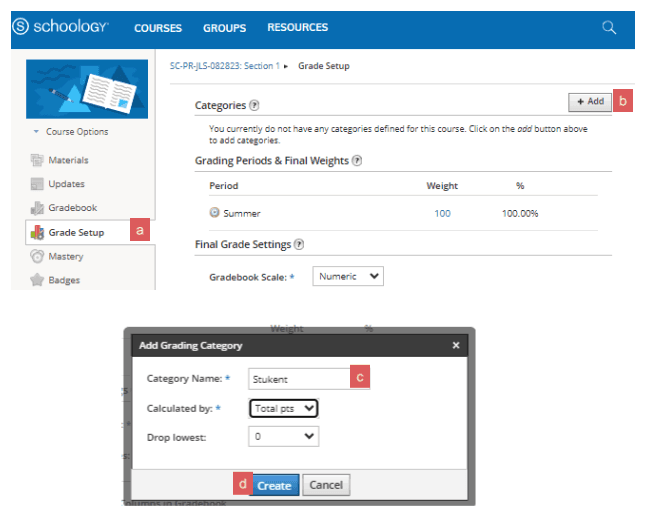
Auto-graded assignments transfer scores directly to your LMS grade book, reflecting real-time student progress and reducing grading overhead. This integration keeps track of student performances, allowing you to make necessary adjustments effortlessly.
Deep Linking
Enhance student engagement by using deep linking to direct students precisely where they need to be in the courseware or Simternship. This feature ensures a seamless transition between learning materials and assessments, fostering a more integrated learning experience.
Course Copy
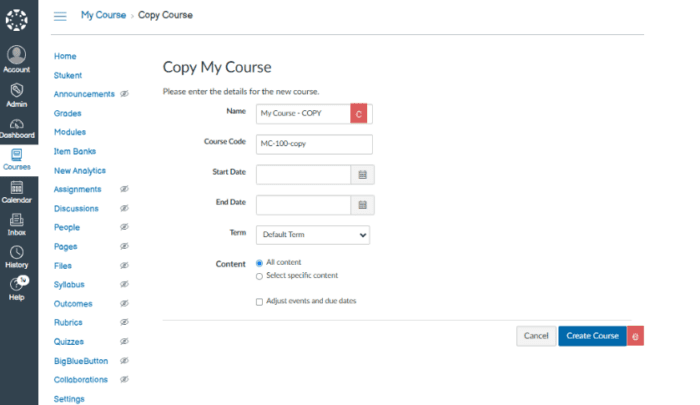
The new Course Copy feature revolutionizes how you prepare your courses each term. Easily duplicate your course setup across different sections or terms within your LMS, guaranteeing consistency across your teaching while eliminating redundant setup tasks.
Getting Started with LMS Integration
To begin integrating your Stukent materials with your LMS, see the Stukent Course Startup Guides. These comprehensive guides are tailored to each supported LMS platform and detail the integration process step by step.
How to Integrate with Canvas
Canvas Integration & Admin Page
NEW Canvas Course Copy Guide PDF
How to upload test bank QTI files
How to Integrate with Blackboard
Blackboard Instructor Guide PDF
Blackboard Ultra Instructor Guide PDF
Blackboard Integration & Admin Page
How to upload test bank QTI files
How to Integrate with Brightspace
Brightspace Instructor Guide PDF
Brightspace New Content Experience Instructor Guide PDF
Brightspace Integration & Admin Page
How to upload test bank QTI files
How to Integrate with Moodle
Moodle 3.x Instructor Guide PDF
Moodle 4.x Instructor Guide PDF
Moodle Integration & Admin Page
How to upload test bank QTI files
How to Integrate with Schoology
Schoology Instructor Guide PDF
Schoology Integration & Admin Page
To learn about Stukent’s first-in-the-world Simternships and courseware and to get FREE instructor access to Stukent materials, visit our website.